
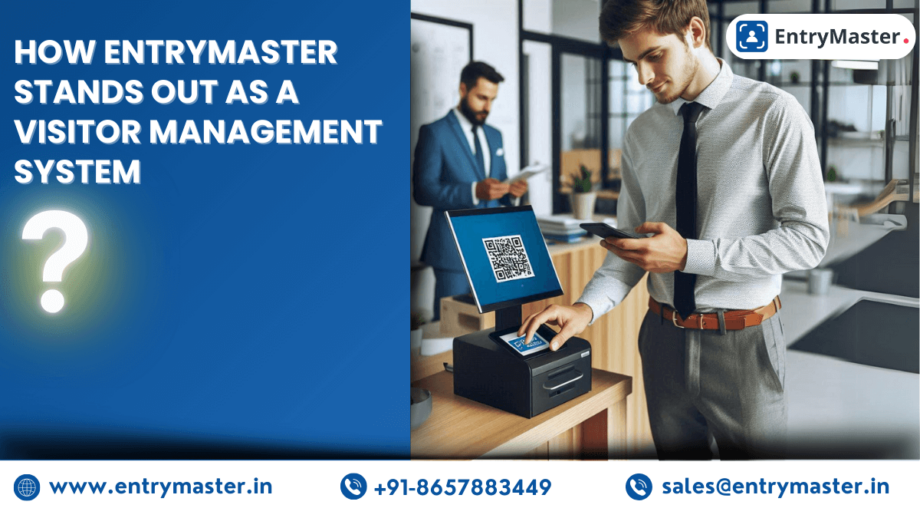
The right visitor management system features can turn an ordinary front desk into a powerful first impression. EntryMaster, a cutting-edge Visitor Management System (VMS), is designed to elevate the front-desk experience and modernise the way businesses welcome and manage their guests. Here is how EntryMaster’s feature set distinguishes it in a crowded market — and why it consistently outperforms legacy sign-in tools.
What You’ll Learn
- Why visitor management system features matter
- 8 features that make EntryMaster stand out
- How to evaluate features before you buy
- Which organisations benefit most
- Frequently asked questions
Why Visitor Management System Features Matter
Not all visitor management platforms are equal. The depth and quality of a system’s features decide whether it simply records names or actively protects your premises, speeds up reception, and impresses every guest. Strong features also help you align with recognised standards such as ISO/IEC 27001 information security, turning your front desk into part of your wider security posture rather than a weak link.
8 Visitor Management System Features That Set EntryMaster Apart
1. Seamless Integration With Existing Systems
EntryMaster integrates smoothly with access control, employee directories, and communication platforms. This unifies visitor data across your organisation and removes the silos that weaken manual processes, creating one streamlined approach to security and administration.
2. A Genuinely User-Friendly Interface
The system is built around the people who use it. Self-service kiosks let visitors check in within seconds, cutting wait times and easing the load on front-desk staff, while the clean dashboard keeps administrators in full control.
3. Enhanced Security and Facial Check-In
Real-time visitor tracking, photo capture, ID scanning, and facial recognition ensure that only authorised individuals reach your premises. To see how this protects a building end to end, read our guide on how visitor management software transforms facility security.
4. Deep Customisation
From custom branding and tailored check-in workflows to bespoke data fields and visitor badges, EntryMaster adapts to your exact processes rather than forcing you to adapt to the software.
5. Built-In Compliance
Visitor data is captured, stored, and retained in line with modern data-protection rules, with anonymisation and retention controls that help you manage records responsibly and stay audit-ready.
6. Real-Time Analytics and Reporting
Detailed dashboards reveal visitor patterns, peak times, and traffic trends, giving managers the insight to staff reception correctly and tighten security protocols with confidence.
7. Scalability for Any Size of Business
Whether you run a single reception or a multi-site enterprise, EntryMaster handles high volumes of visitor traffic without compromising performance or security, growing as your organisation grows.
8. Eco-Friendly, Paperless Operation
By digitising the entire check-in journey, EntryMaster removes paper logs and printed badges — a small change with a real sustainability payoff, explored further in our article on the sustainability benefits of visitor management software. You can review every capability on the EntryMaster features page.
How to Evaluate Visitor Management System Features Before You Buy
When comparing vendors, do not be swayed by a long feature list alone — test how the features actually work together. Ask whether security features like facial recognition and access-control integration are native or rely on third-party add-ons, since bolted-on integrations tend to break first. Check how quickly the system can be customised to your branding and workflow, and request a live demo of the analytics dashboard rather than a static screenshot. The strongest visitor management system features are the ones your front-desk staff will actually use without extra training.
Which Organisations Benefit Most
- Corporate offices — a professional, secure welcome for clients, vendors, and candidates.
- Healthcare facilities — careful tracking of patients, suppliers, and contractors.
- Educational institutions — a safe campus with full visibility of every visitor.
- Manufacturing units — controlled access to restricted zones and tighter safety compliance.
Conclusion
EntryMaster is more than a digital logbook — it is a complete solution that combines security, efficiency, and a superior visitor experience. Its integration, usability, advanced security, and customisation are the visitor management system features that make it a standout choice for modern businesses. To learn more about the hidden value a VMS delivers, see the hidden benefits of visitor management software, or book a free demo to see EntryMaster in action.
Frequently Asked Questions
What are the most important visitor management system features?
The most important visitor management system features are secure digital check-in (including facial recognition or QR codes), real-time visitor tracking, automated host notifications, access-control integration, compliance-ready data storage, and analytics. Together these protect your premises, speed up reception, and create a professional first impression.
How does EntryMaster stand out from other visitor management systems?
EntryMaster stands out through deep integration with existing security systems, a self-service kiosk interface, facial-recognition check-in, full customisation, and built-in compliance controls. It scales from a single office to a multi-site enterprise without losing performance, making it suitable for organisations of every size.
Can a visitor management system integrate with access control?
Yes. EntryMaster integrates with access control, surveillance, and employee-management systems so visitor data, door access, and monitoring all work together as one unified security layer rather than disconnected tools.
Is a visitor management system suitable for small businesses?
Absolutely. EntryMaster is cloud-based and fully scalable, so a single-reception office gains the same security, time savings, and professional image as a large enterprise — with minimal hardware and a quick return on investment from going paperless.
What should I check before buying a visitor management system?
Before buying, confirm whether key security features are native or third-party add-ons, test the analytics dashboard with a live demo, and check how easily the workflow and branding can be customised. The best visitor management system features are the ones your team will actually use day to day.